
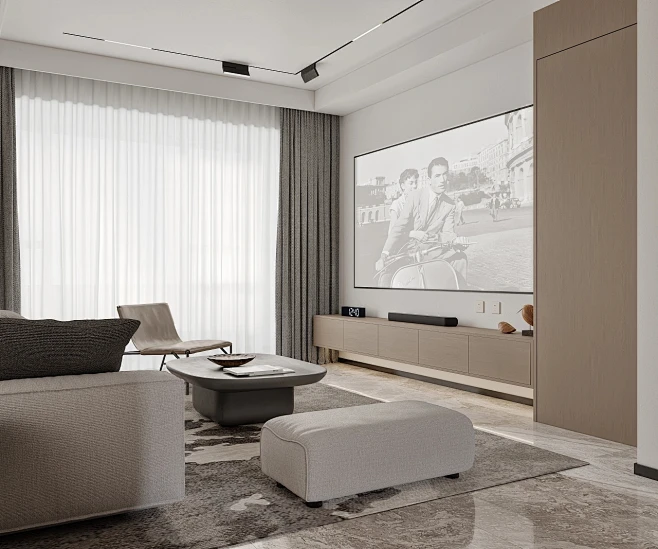
Nowadays, people are paying more and more attention to visual experiences—and projection screens have become a must-have, whether you’re setting up a home theater or equipping a corporate meeting room. But with so many options on the market, it’s easy to feel overwhelmed when picking one. Let’s break this down step by step to help you find the perfect fit for your needs.
White Screen or Gray Screen? It Depends on Your Space
Imagine you’re putting together your dream home theater: you’ve got the latest projector, a cozy couch, and even a bowl of popcorn ready—then you hit a snag: should you go for a white screen or a gray one?
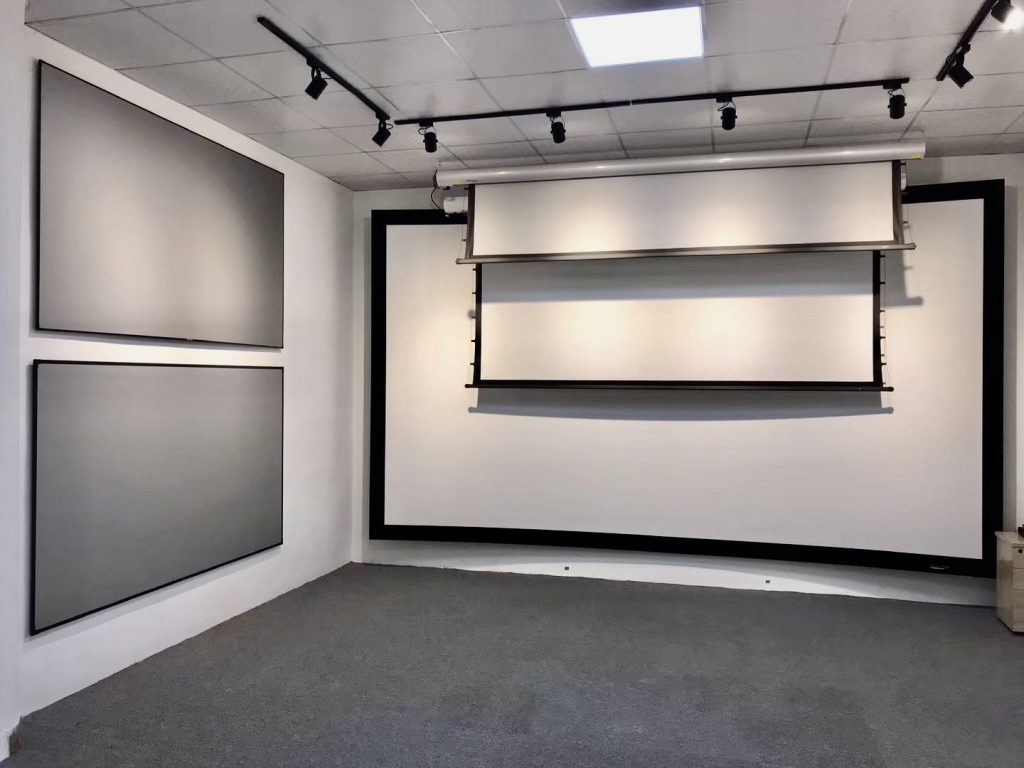
White screens are the classic choice, and their biggest strength is accurate, vibrant colors. If you use a DLP projector (these are known for strong color reproduction), a white screen pairs perfectly with it. The catch? They struggle in bright rooms—ambient light reflects off the surface, washing out the contrast and blurring dark details.
Gray screens, on the other hand, boost contrast and deepen black levels. This makes them ideal if you have a 3LCD projector (which sometimes lacks depth in dark tones). They also resist ambient light better—even if your living room gets lots of sunlight during the day, the image won’t look washed out. Fun little fact: Gray screens were originally designed for well-lit conference rooms before becoming popular for home use.
Let’s test this out:
- If you have a DLP projector and mostly watch movies in a dimly lit room, which color should you choose? (Answer: White screen)
- If you use a 3LCD projector and your living room gets plenty of sunlight, which works better? (Answer: Gray screen)
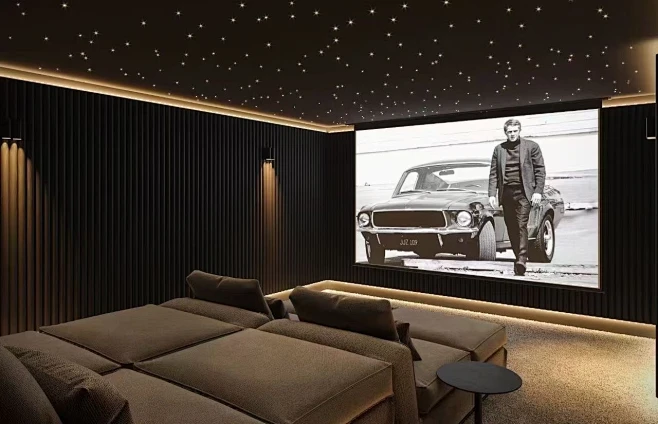
Which Screen Type Is Right for You? Think About How You’ll Use It
There are three common types of projection screens, each with its own pros and cons—your choice should depend on how you plan to use it:
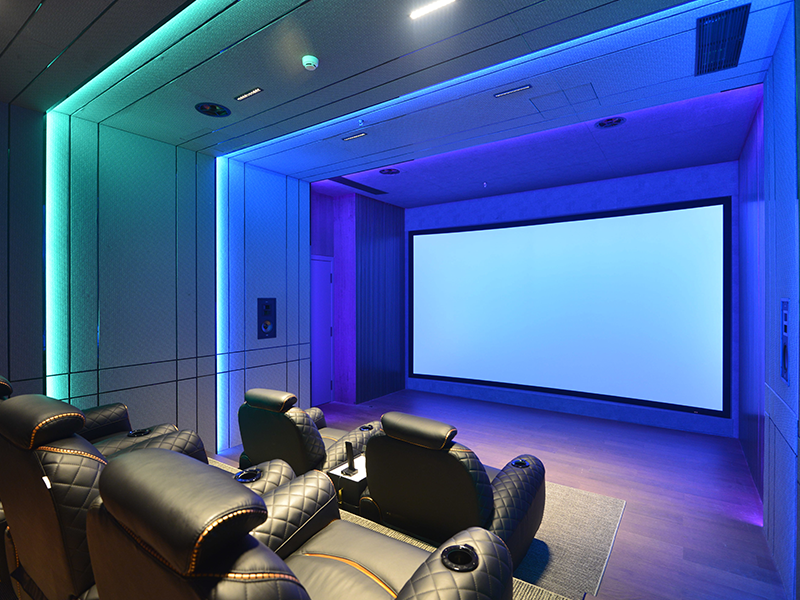
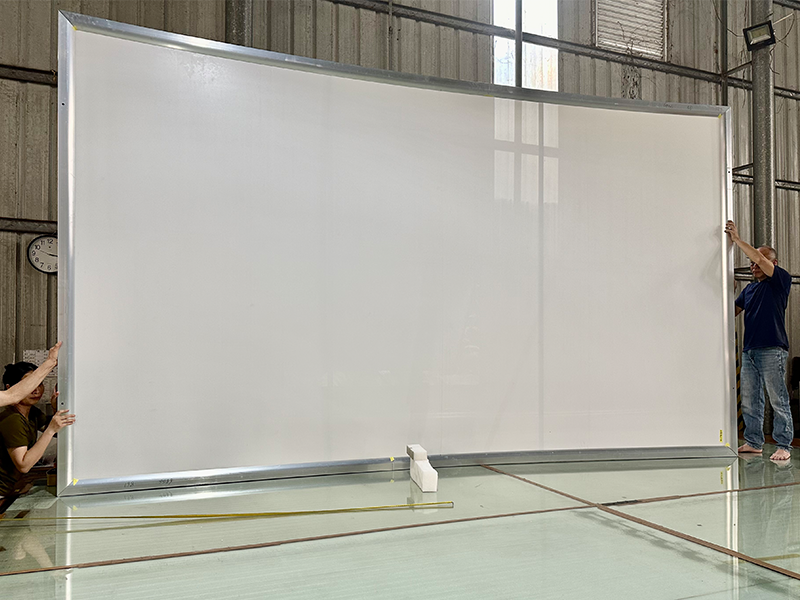
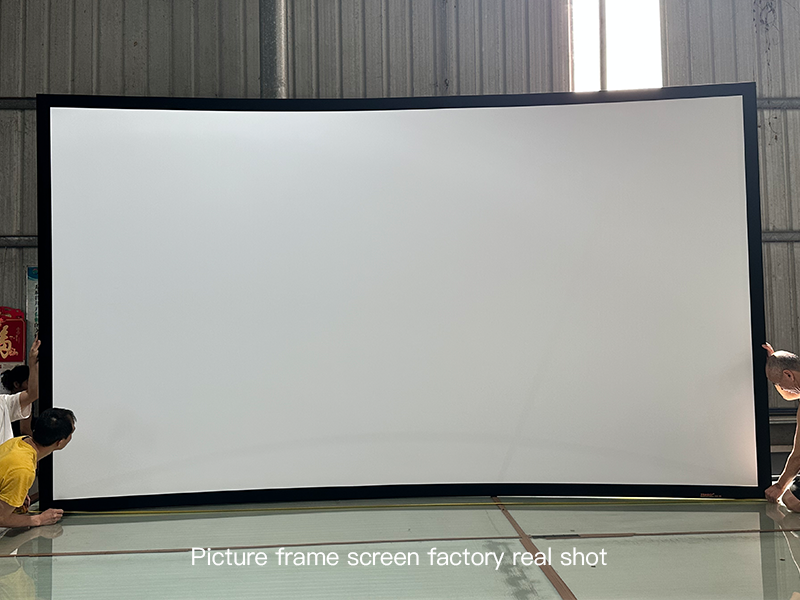
Fixed-frame projection screens: These mount permanently on the wall, giving you a flat, wrinkle-free surface. They’re perfect for dedicated home theaters, but they do collect dust over time—you’ll need to wipe them down now and then.
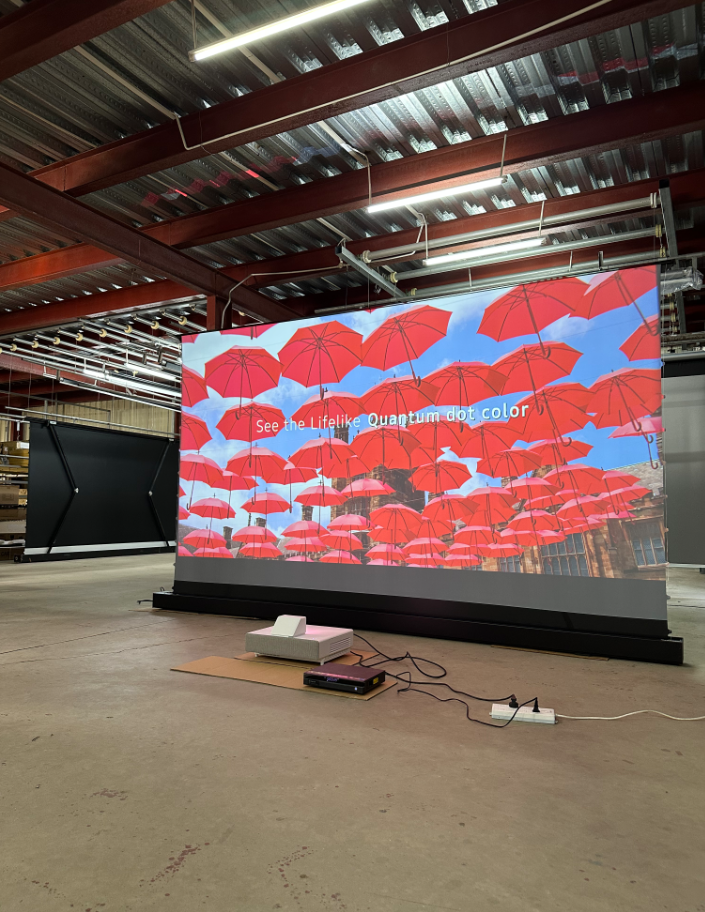
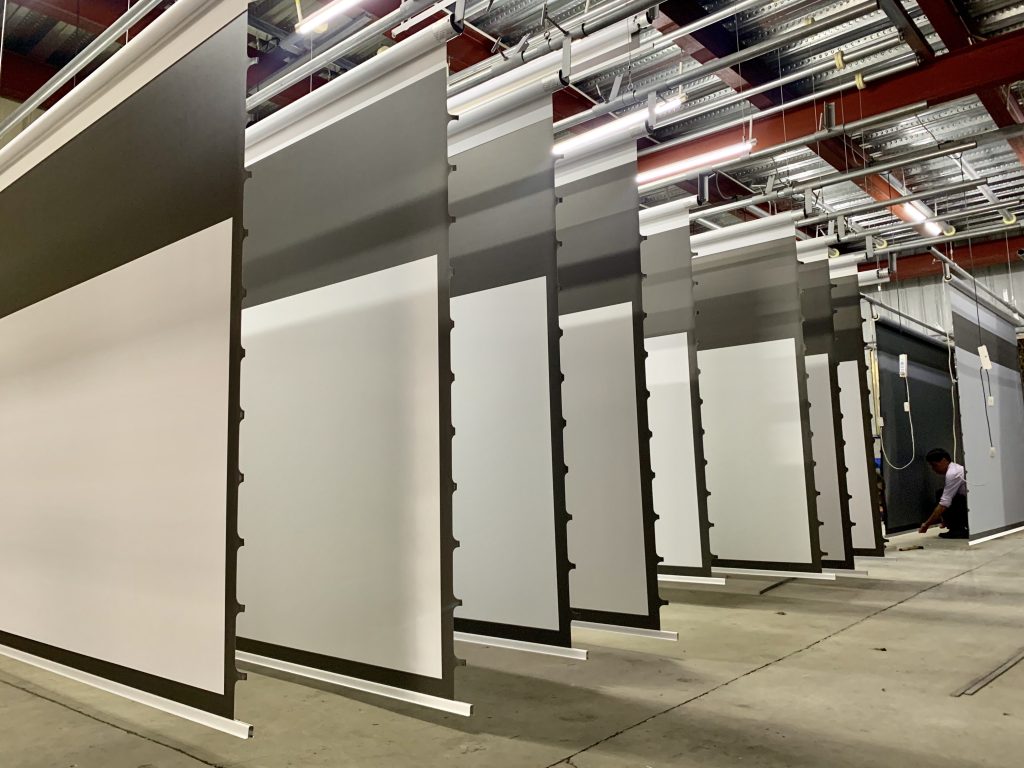
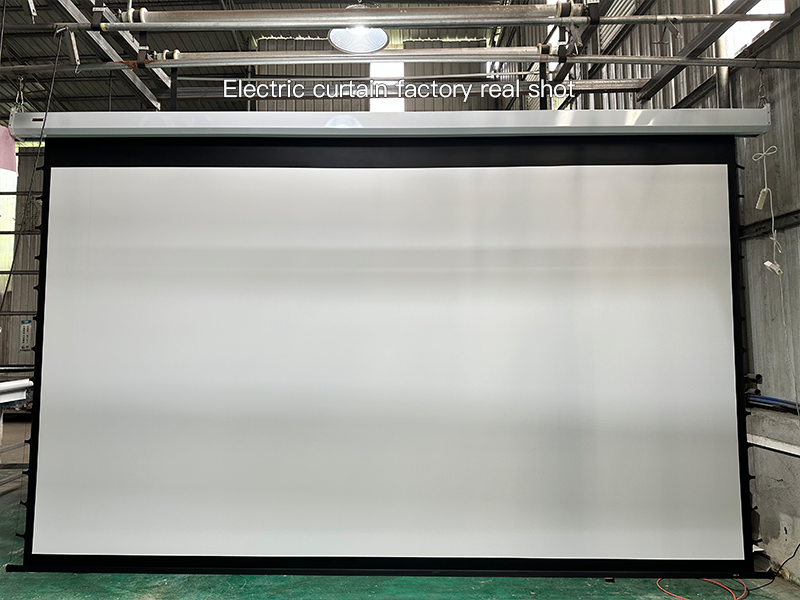
Motorized projection screens: These roll up and down with the press of a button—super convenient. You can tuck them away when not in use to save space and protect the screen. The only downside? They’re usually more expensive than other types.
Manual screens: You have to pull these down by hand, which is a bit more of a hassle. But they’re budget-friendly—and great if you need something simple. Just note: they might develop “V-shaped” wrinkles after regular use, which can affect image smoothness.
Let’s put this into context:
- You want to set up a home theater in your basement, where space is tight. Which type should you pick? (Answer: Motorized screen—it saves space and stays out of the way when not used)
- You’re a teacher who needs a portable screen for classroom presentations. Which fits best? (Answer: Manual screen—it’s cheap and easy to carry)
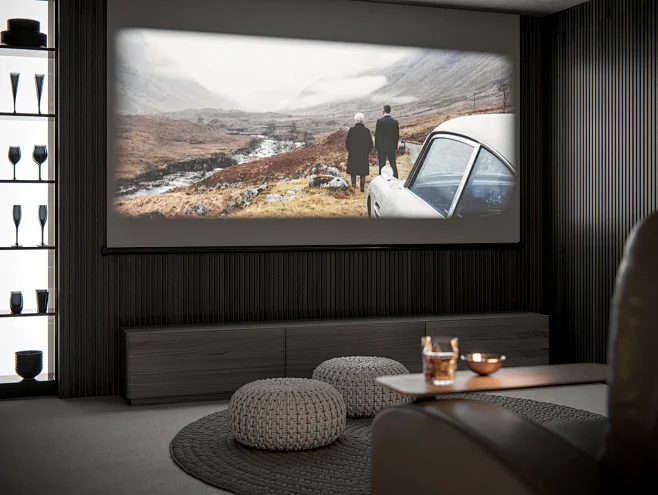
Size Matters! Pick Based on Viewing Distance
Choosing the right screen size is key to an immersive experience—too big, and your eyes will tire; too small, and you’ll miss that “cinema feel.” Here’s a simple guide:
If you sit close to the screen, go smaller. For example, if you’re 2–3 meters away, an 80–100 inch screen works best—otherwise your eyes will have to keep “scanning” the screen, and they’ll get tired after a while. If you sit farther away (4–5 meters), opt for a 120–150 inch screen—anything smaller will feel underwhelming.
Aspect ratio matters too: Most modern movies and TV shows use a 16:9 widescreen format, so this is a safe bet. If you mostly watch older films or use the screen for work presentations, a 4:3 standard screen might be better.
Recommended Screen Sizes by Viewing Distance:
| Viewing Distance (meters) | Recommended Screen Size (inches) |
|---|---|
| 2 – 3 | 80 – 100 |
| 3 – 4 | 100 – 120 |
| 4 – 5 | 120 – 150 |
On a Budget? Try Projection Paint
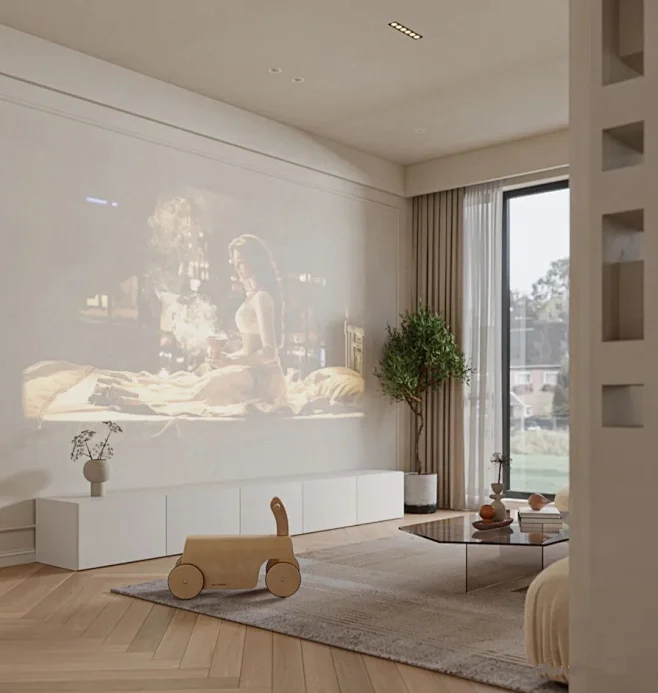
If you don’t want to buy a screen, or prefer a minimalist look, projection paint is a great alternative. This special paint turns any white wall into a projection surface—but not all paints are equal. Look for high-quality options that offer good gain (brightness) and reduce hotspots (those annoying bright spots in the center of the image). Otherwise, your picture might end up uneven.
A quick tip: For conference rooms or classrooms, go for gray projection paint—it boosts contrast and resists ambient light, so images stay clear even during the day.
To Sum It Up
Choosing a projection screen doesn’t have to be complicated. Just focus on four things: your projector type, how much light is in the room, how far you’ll sit from the screen, and your budget. Keep these in mind, and you’ll end up with a setup that makes movies, presentations, or whatever you watch feel totally immersive. Happy viewing!
 Scan QR Code
ZSMSCR Facebook
ZSMSCR Instagram
ZSMSCR X
ZSMSCR YouTube
ZSMSCR TikTok