
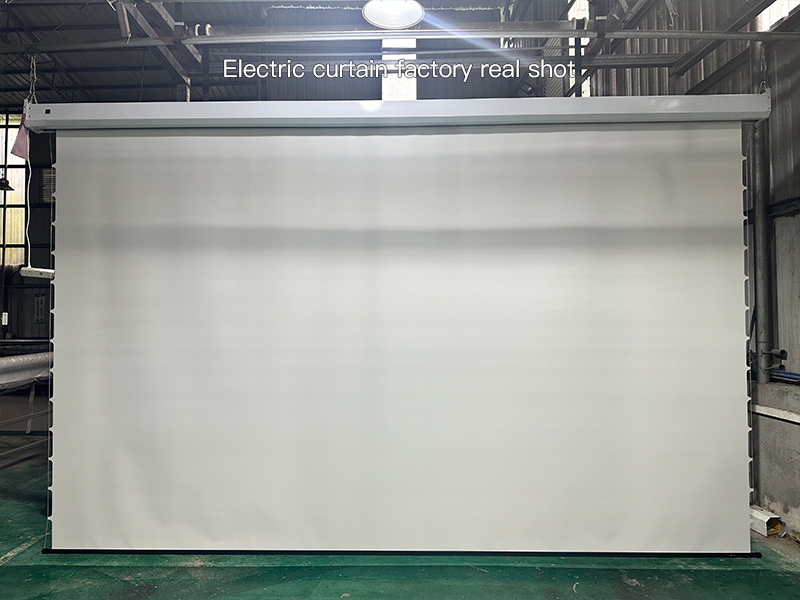
With the growing popularity of home entertainment—from living room home theaters to balcony movie nights and even outdoor camping projections—Adjustable Projector Screens have become a top choice for many families due to their flexibility. However, many people run into problems during installation and adjustment: either the screen is hung crookedly or the image causes eye strain. In fact, mastering the right methods can solve these issues easily.
1. Do These 3 Things Before Installing an Adjustable Projector Screen
1.Choose the Right Installation Location and Avoid MistakesPrioritize a flat wall without direct sunlight, such as the side of the living room TV wall. For small apartments, wall-mounted installation is recommended to save floor space; for large living rooms or outdoor use, a floor-standing stand works better. Avoid air conditioning vents (to prevent screen shaking) and windows with strong light (prone to glare during the day). If you can’t avoid these, pair the screen with an anti-glare screen later.
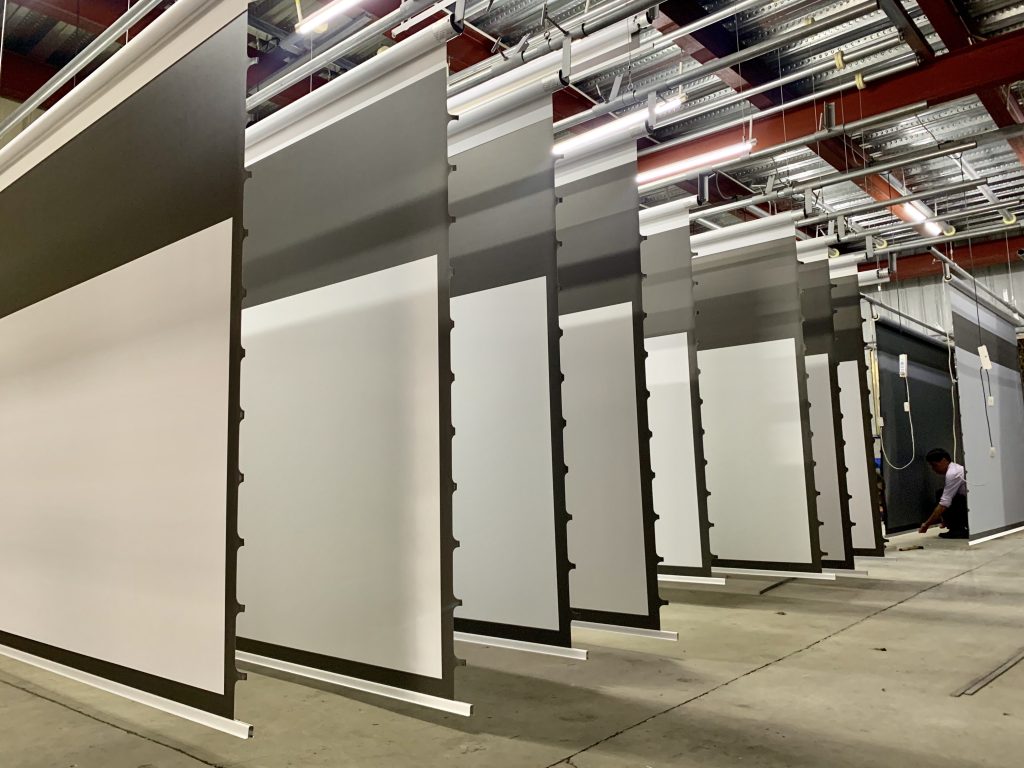
2.Select the Screen Type Based on Needs—A Table to Help You Decide
| Screen Type | Key Advantages | Suitable Scenarios |
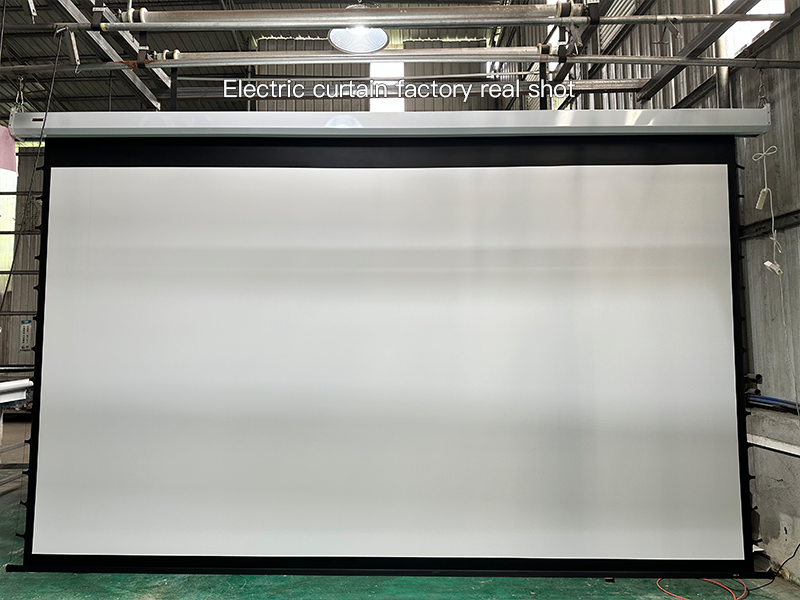
| Electric Adjustable Projector Screen | One-click lifting, easy to operate | Fixed daily use, ideal for those who prefer convenience |
| Tab-tensioned Adjustable Projector Screen | Flatter screen, no wrinkles | High demand for screen flatness (e.g., watching 4K videos) |
| Manual Adjustable Projector Screen | Affordable, easy to move | Renters, temporary outdoor camping use |
3.Check Hardware to Avoid Interruptions Mid-InstallationEnsure the projector and screen accessories (stand, screws, power cord) are complete. For electric screens, measure the socket position in advance to avoid short power cords. If the projector has auto keystone correction, turn it on in advance for easier adjustment later.
2. Install and Adjust the Adjustable Projector Screen in 3 Steps
- Fix the Stand: Use a Level to Ensure It’s StraightAlign the stand with the marked position and fix it with expansion screws (load-bearing walls are more stable). After installation, attach a level to the stand to ensure the bubble is centered, preventing the screen from tilting after hanging.
- Unfold the Screen: Operate Slowly and Fine-Tune FlatnessFor manual screens, pull the lift rod slowly; for electric screens, press the “lower” button. Pause when the screen unfolds to the desired size. If there are slight wrinkles, gently smooth them with the screen’s adjustment strap—do not pull hard (to avoid screen deformation).
- Position the Projector: Determine Distance by Throw RatioMost projectors have a throw ratio of 1.2-1.5. For example, a 100-inch screen requires the projector to be about 2.5-3 meters away from the screen (check the device manual for specifics). Turn on the projector, center the image first, then fine-tune the focus with the remote until text is clear.
3. Adjust to Get the Best Viewing Angle
- Set Height: Reference Seated Eye LevelA common 2024 industry recommendation: the bottom of the screen should be 60-80 cm from the ground (about above an adult’s knee), and the center of the screen should be 10-15 degrees below the viewer’s horizontal line when seated—this ensures no neck strain even after 1-2 hours of viewing.
- Avoid Light Glare: Different Tips for Day and NightFor daytime viewing: draw blackout curtains or use an anti-glare screen (to reduce ambient light interference). For nighttime viewing: avoid overhead lights; instead, use small table lamps on both sides of the sofa (ensure light does not hit the screen directly) to prevent eye strain from overly bright images.
- Check Image Quality: Use Test Patterns for Final ChecksOpen the projector’s “test pattern” (found in settings for most models) to check if the four borders are straight and colors are uniform. If the image is higher on one side, fine-tune the projector height or screen stand angle until the image fully fits the screen edges.
4. Answers to 3 Common Questions
Q1: What data do I need to provide when customizing an Adjustable Projector Screen?A: Mainly the wall width and height (to determine the maximum screen size) and the projector’s throw ratio (to avoid mismatches between the screen size and projector). At ZSM, we also provide additional recommendations based on the user’s viewing distance for a more practical fit.
Q2: The screen sags a bit after long-term use—how to adjust it?A: For manual screens, tighten the spring inside the lift rod (follow the manual instructions). For electric screens, contact after-sales service to adjust the internal motor tension; do not disassemble it yourself (to avoid part damage).
Q3: The image feels “dazzling” when viewing—Is it an angle issue?A: It may be due to incorrect brightness settings: set the projector brightness to 70%-80% during the day and 50% at night. It could also be a screen angle issue—tilt the screen slightly forward by 1-2 degrees (not too obviously) to reduce glare.
Choosing, installing, and adjusting the Adjustable Projector Screen correctly lets you enjoy theater-level experiences at home. For special spaces (such as irregular walls or outdoor use), custom screens are more suitable—after all, a screen that fits your needs works best.
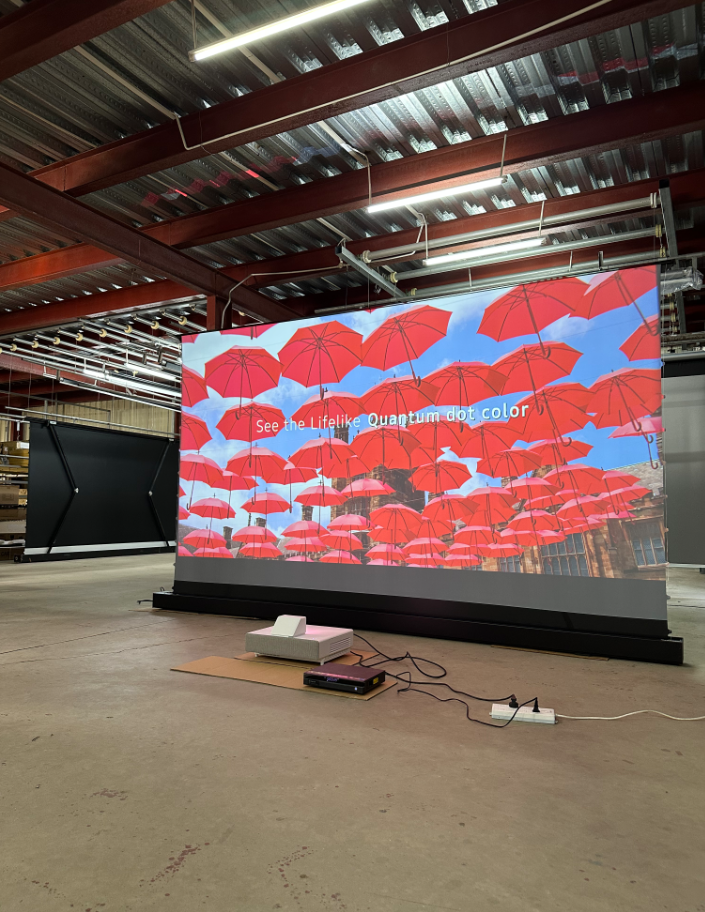
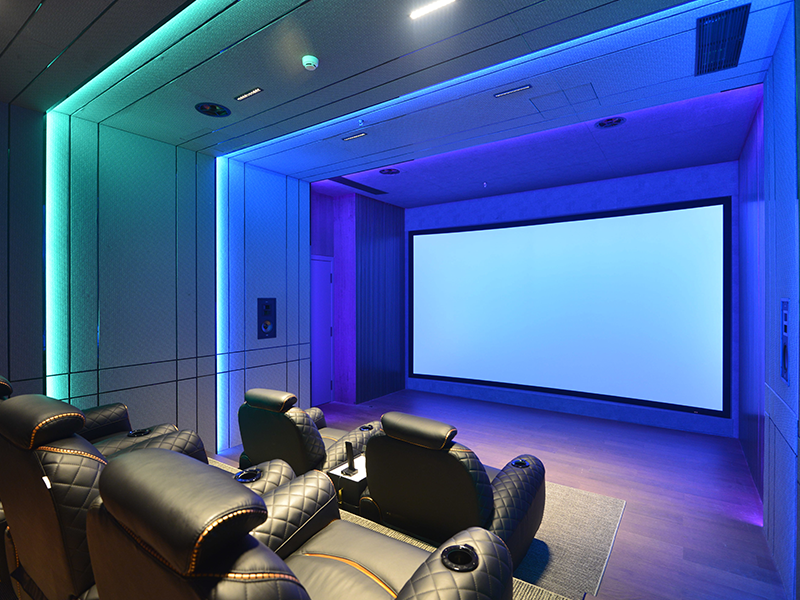
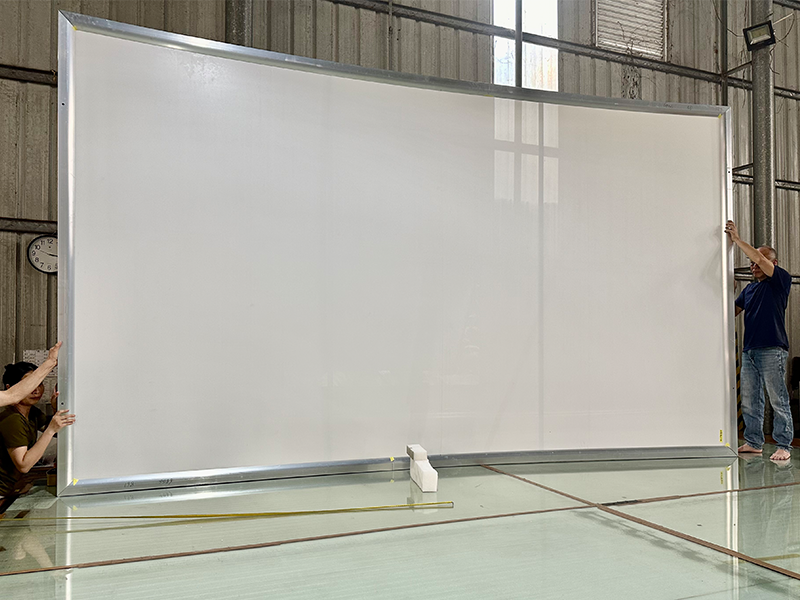
 Scan QR Code
ZSMSCR Facebook
ZSMSCR Instagram
ZSMSCR X
ZSMSCR YouTube
ZSMSCR TikTok