
In 2026, as global schools accelerate the upgrade of smart interactive learning spaces, school procurement projection screens and education integrator display solutions have become core focus points. A premium Durable projection screen paired with a High-contrast classroom screen is no longer a luxury but a necessity for modern interactive classrooms—generic screens simply fail to match the dynamic demands of 2026’s teaching models, and a subpar Interactive projection solution can directly dim the quality of student participation and knowledge absorption. For educators and procurement teams, overlooking the quality of Projection Screens often leads to a series of avoidable classroom disruptions.
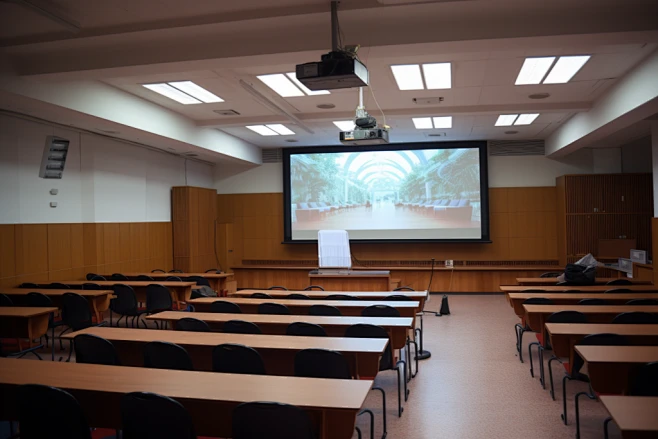
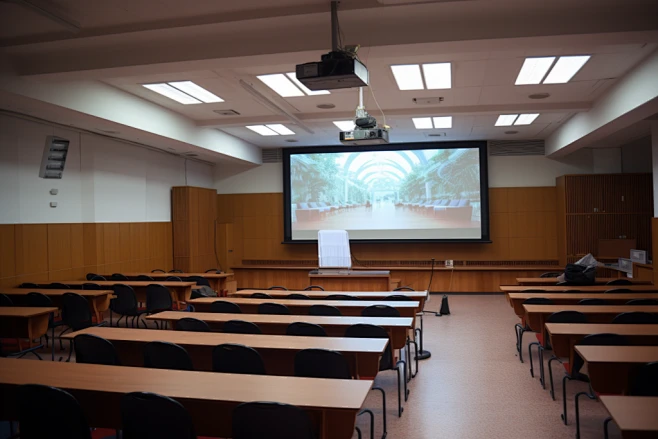
Walk into any 2026 interactive classroom, and you’ll see the chaos generic Projection Screens create—far more than just washed-out images and scratches. Natural light streaming through floor-to-ceiling windows, a staple of modern classroom design, washes out lesson content, forcing teachers to dim lights or close curtains, which not only strains students’ eyes but also saps the energy of interactive learning. Then there’s the daily wear: students leaning against the screen during group discussions, accidental scrapes from backpacks or classroom equipment, and even repeated touches from interactive pens all leave permanent marks, turning a new screen into a tattered one within months. But the pain points don’t end there. Many generic screens struggle with compatibility issues—they fail to sync smoothly with 2026’s popular 4K projectors and interactive teaching tools, leading to laggy displays or distorted colors that make complex diagrams and videos unreadable. Worse, some screens fade quickly under prolonged projector light, losing contrast and vibrancy within a year, while others are difficult to clean; chalk dust, fingerprints, and smudges build up easily, further ruining the viewing experience. For schools on tight budgets, these issues mean constant replacements, maintenance fees, and wasted funds that could have been invested in better teaching resources.
These pain points aren’t just minor nuisances—they disrupt the flow of interactive teaching, the very heart of modern education. A blurry, faded screen makes it hard for students to follow along with lessons, reducing engagement and retention. A screen that lags behind interactive tools frustrates both teachers and students, slowing down the pace of learning. And frequent screen replacements mean classroom downtime, forcing teachers to adjust their lesson plans at the last minute. For educators and procurement teams, the answer is clear: Projection Screens for classrooms need to be built for the unique chaos of learning spaces, not just generic office use.
3 Core Requirements for Projection Screens in 2026 Interactive Classrooms
- Ambient light resistance: Classrooms rely on natural light for a positive learning atmosphere, so screens must reject stray light without dimming classroom lights, ensuring clear displays even on bright sunny days.
- Daily wear tolerance: With students close to the screen for group work, hands-on activities, and interactive sessions, scratch, impact, and stain resistance is non-negotiable—screens should stand up to years of daily use.
- Interactive compatibility: Screens must maintain clear contrast and color accuracy even with 4K projectors, interactive pens, and touch-based tools, ensuring no lag or visual distortion during student participation.
The gap between generic and high-performance classroom Projection Screens becomes even clearer when side-by-side comparison is done—2026 school procurement teams are increasingly using this as a core reference for their choices.
| Comparison Dimension | Standard Generic Screens | Durable projection screen + High-contrast classroom screen |
|---|---|---|
| Ambient Light Adaptability | Fades in bright classrooms, requires dimmed lights; hard to read on sunny days | ALR technology absorbs stray light, clear display with full classroom lighting and natural light |
| Daily Durability | Scratch-prone, tears easily with minor impact; fades within 1 year of projector use | Shock-absorbent, scratch-resistant, stain-resistant fabric; built for 5+ years of classroom use |
| Maintenance Cost (Annual) | High, frequent replacements (1-2 years) and repairs; difficult to clean | Low, minimal upkeep with no regular replacement needed; easy to wipe clean of dust and fingerprints |
| Interactive Teaching Fit | Blurry display with 4K projectors; lag with interactive tools; color distortion | High contrast retains clarity with 4K projectors; seamless sync with all interactive teaching equipment |
For school procurement projection screens and education integrator display solutions, the most common questions circle around practicality and long-term value—these are the two queries we field most often from education partners in 2026, especially as schools look to maximize their technology budgets.
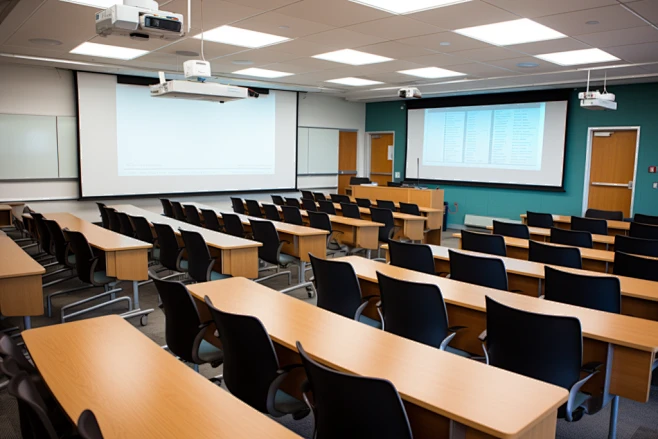
FAQs for school procurement projection screens & education integrator display solutions
Interactive projection solutionQ1: What’s the key to choosing an that fits both small breakout rooms and large lecture halls? It all comes down to customizability. Quality Projection Screens providers offer tailor-made sizes and fabric options, matching ALR high-contrast materials for bright lecture halls (where ambient light is more intense) and compact, durable designs for small group learning spaces—one solution that adapts to all classroom types, no one-size-fits-all compromises. Some providers even offer custom aspect ratios to match the specific projectors schools already use, avoiding compatibility issues.
Durable projection screenQ2: How do schools calculate the long-term ROI of investing in a ? Start with the 3-5 year timeline, the standard for 2026 school equipment lifecycles. A generic screen costs less upfront but needs replacement every 1-2 years, plus labor for installation . A Durable projection screen has a slightly higher initial but lasts 5+ years with zero replacement fees. Over 5 years, a generic screen would , while a durable screen would total—savings that can be redirected to other educational resources, from textbooks to interactive teaching tools.
High-contrast classroom screenQ3: Can a really improve student engagement? Absolutely. In 2026, studies from education technology organizations show that clear, high-contrast displays reduce student distraction by 35% and improve knowledge retention by 28%. When students can easily see every detail—from small text in lesson slides to vibrant colors in science diagrams—they’re more likely to participate in discussions and stay focused on the lesson. A faded, blurry screen, on the other hand, leads to disengagement and frustration, defeating the purpose of interactive learning.
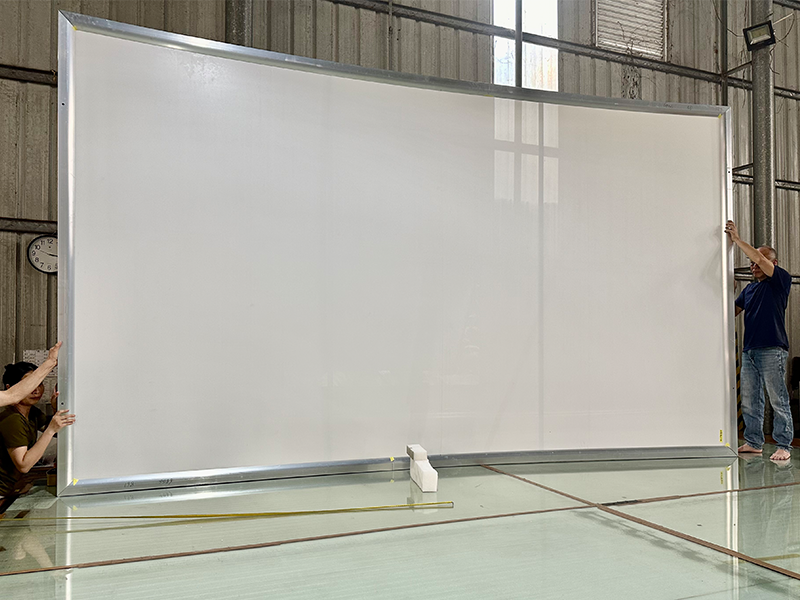
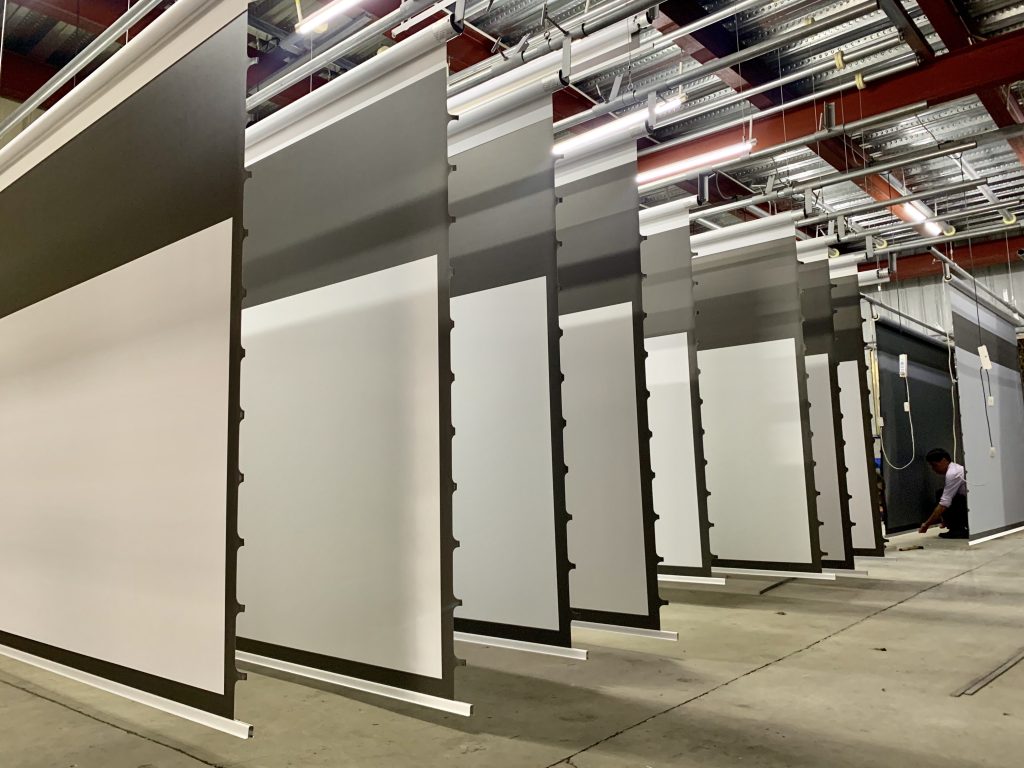
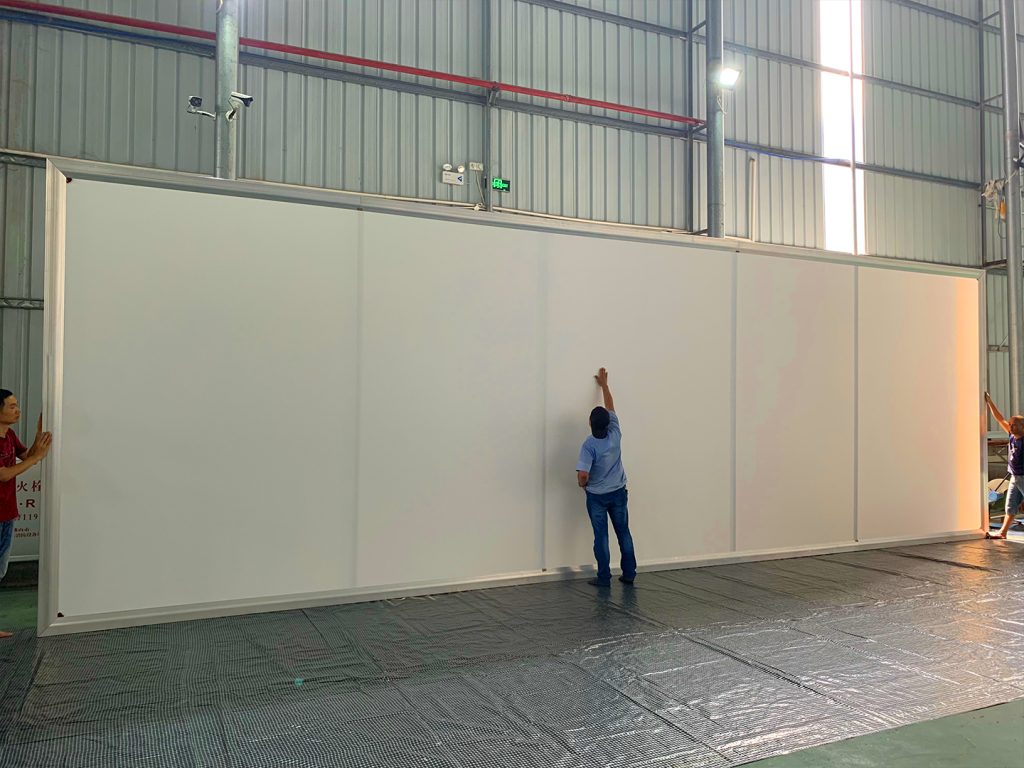
In 2026, the best Interactive projection solution for classrooms isn’t just about a single screen—it’s about a design that’s engineered for education first. The high-contrast ALR technology cuts through ambient light, keeping every slide, video and interactive activity sharp; the rugged, scratch-resistant, stain-resistant fabric stands up to the daily hustle of students and teachers alike. Every screen is built with strict quality control, from raw material testing to final production, ensuring it meets the rigorous demands of 2026’s interactive learning spaces. Custom-sized Projection Screens fit every classroom dimension, from intimate 10-student rooms to 100-seat lecture halls, making it easy for schools to standardize their display solutions across campuses. For education integrator display solutions, this means fewer compatibility issues and smoother installations, while school procurement projection screens benefit from long-term savings and improved teaching outcomes.
Upgrade your 2026 interactive classroom display standards and say goodbye to washed-out images, easily damaged screens, and frustrating compatibility issues. Request our product catalog and fabric samples today, and find the perfect Durable projection screen and High-contrast classroom screen for your school’s unique learning needs.
 Scan QR Code
ZSMSCR Facebook
ZSMSCR Instagram
ZSMSCR X
ZSMSCR YouTube
ZSMSCR TikTok